How To Create a Bitly Account:
- Visit this link bitly.com and Click on Signup.
- Click on Sign up.

- Click On the Get Started For Free option to sign up for a Free account.
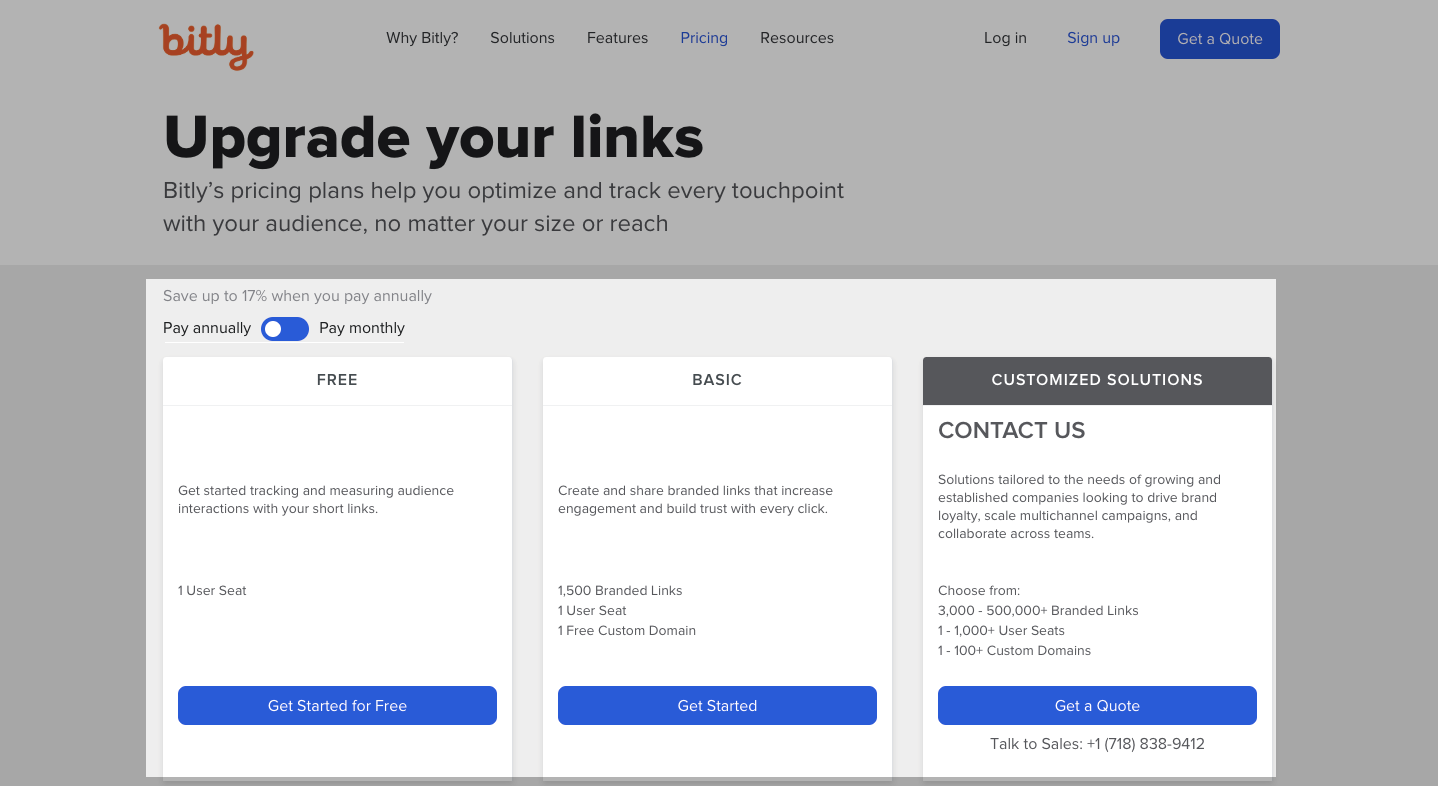
- You can see a detailed feature comparison by scrolling down a bit further. The full list can be viewed here.

- Once
you’ve identified the right plan for you, click on “Get Started”. You
can choose to sign up with your Google account or enter a username,
email address, and password.

- BItly Will send you an email to verify your account. Click on the link in the email and you can get started.
How do I get Bitly access Token:
To use the Bitly API, you’ll need an OAuth access token to authorize and authenticate the connection to Bitly.
To generate your OAuth access token:
- Click the profile menu.
- Click Profile Settings.

- Click Generic Access Token.

- Enter your Bitly account password.

- Click Generate Token.

- Click Copy to copy the token.

- Now paste the token into Add Bitly Token and click on Save.